


more quick actions
minimize quick actions






We have an enquiry from client, to show a real time graphical comparison of predictive energy production and actual energy produced. Predictive data for next 10 years (monthly data) will give to us as excel file by the client, and we need to show it as a graph in PcVue. In the same graph we need to display another ‘Line’ for actual production which we gets the value from a ‘tag’.
Please provide us the details to do it?
Posted : 26/03/2018 11:35 am

Hi Tijo,
Yes that's possible. Steps:
1. Create an HDS archive unit in SQL Server
2. Set your 2 variables as trend in this unit (i.e. Energy & Energy_future
3. Convert your data from Excel file into a table in SQL Server with HDS format for the variable Energy_future
4. On the Trendviewer set the Advanced option "Allow historical request in future"
You should be able seeing your Energy_future for the next 10 years!
Nico
Posted : 26/03/2018 12:19 pm

How can I provide Chrono?

Posted : 08/04/2018 1:37 pm
Is KB489 a good solution for chrono?
Posted : 08/04/2018 4:59 pm
better you use this formula: ChronoValue = DATETIMEVALUE()*10000 + 116444736000000000
This is for Scada Basic but I guess you can maybe adapt to Excel
You can also do it by VBA in excel
[KB552] Chrono, UTC, Local hour in VBA
Nico
Posted : 09/04/2018 7:30 am
I created a SQL table (attached) with HDS format [KB840].
In the trend viewer I gave 3 variable as follows
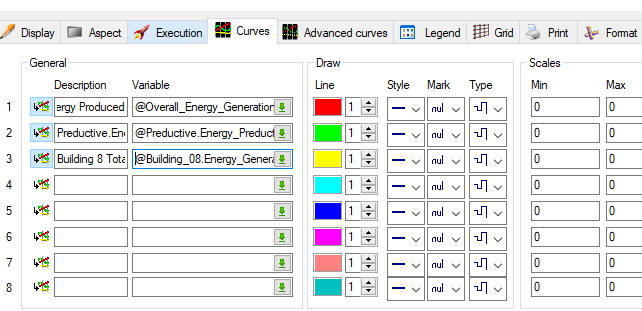
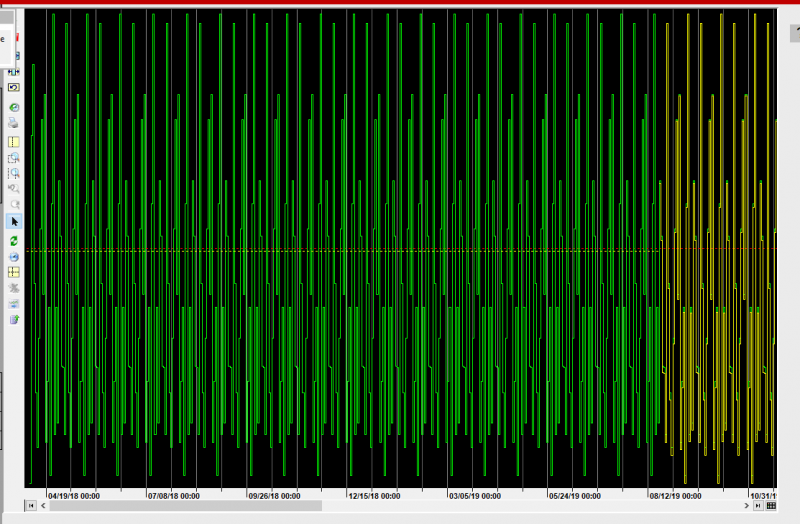
yellow and red line are archived in proprietary database and green line in SQL server (for prediction)
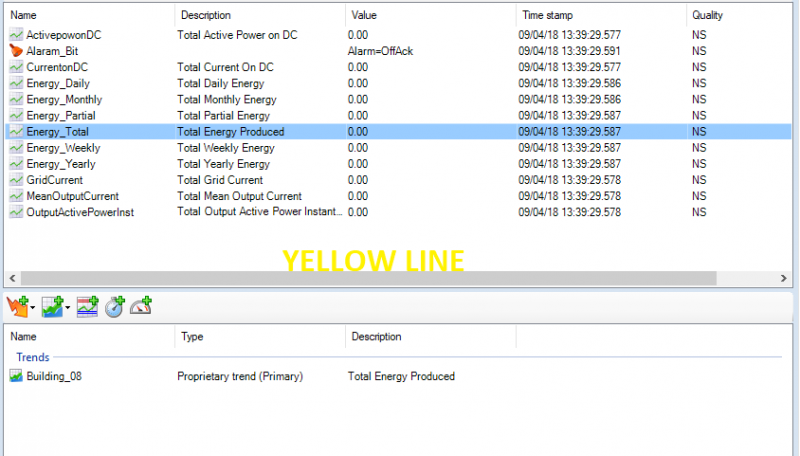
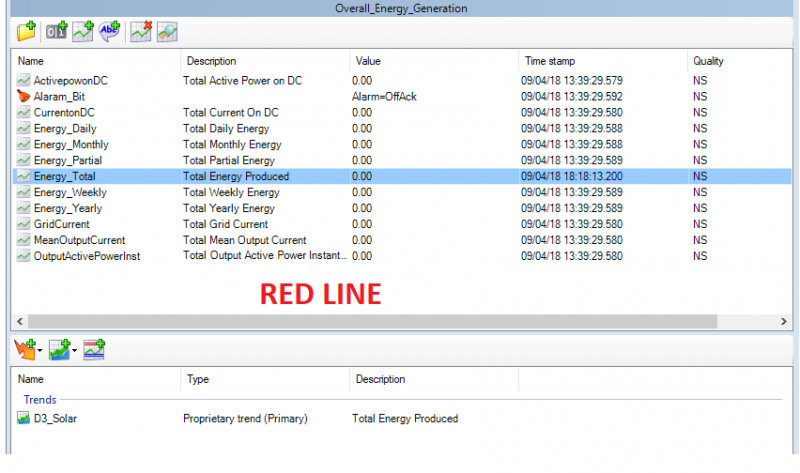

From Trend Tool bar I gave "Historical Request" from March 1,2018 to June 1,2022
When the Period is 1553 days, the graph is like below
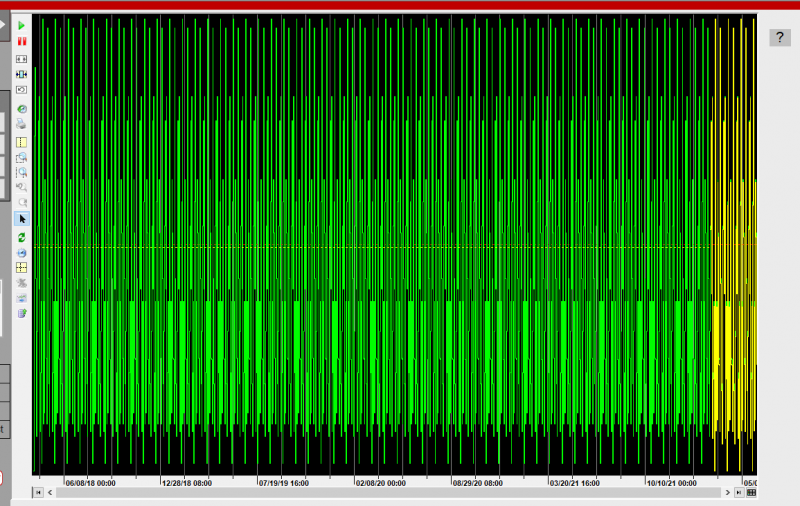
When the period is 500 days graph is like below
When the period is 20 days the graph is like below
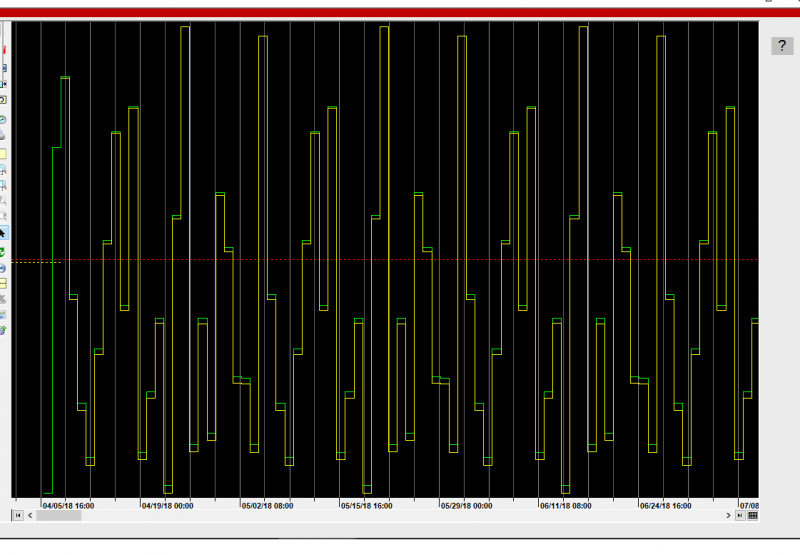
How the yellow line get values and Displays graph?
Posted : 09/04/2018 7:59 pm
I Tijo,
Indeed it is weird!
Can you send me your project please
Nico
Posted : 10/04/2018 12:47 pm
I will send you the project via Wetransfer.
Posted : 10/04/2018 1:07 pm
I will check tomorrow but 1 point i want you confirm: How are you inserting the file in the DB?
The best way is:
1. Create the DB + table by PcVue
2. Using BULK INSERT request
Nico
Posted : 10/04/2018 3:48 pm
I followed the method stated in [KB840]
Posted : 10/04/2018 3:53 pm
I used the following code after deleted DB and recreate from PcVue. But issue is still there
BULK INSERT dbo.TRENDTABLE1
FROM 'C:TRENDTABLE1.csv'
WITH
(
FIRSTROW = 2,
FIELDTERMINATOR = ',',
ROWTERMINATOR = 'n',
TABLOCK
)
Posted : 10/04/2018 4:46 pm