


more quick actions
minimize quick actions






Topic starter
Estimados Colegas,
This week something not really new but may be not everybody know about it.
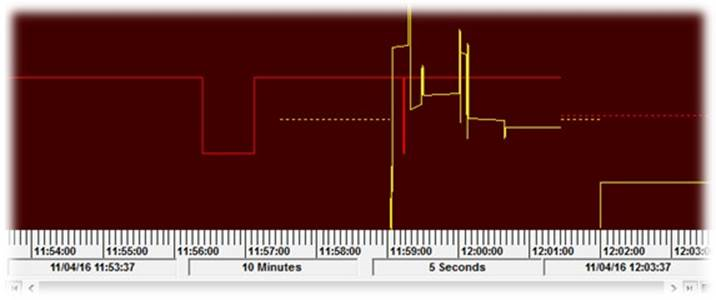
You know that in trend viewer you can display start time, period, interval etc… at the bottom but it is not easy to understand what value is period, or interval etc… especially when you are doing report based on hardcopy
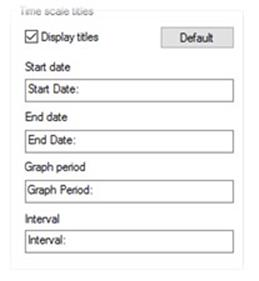
For a while you can “label” this values in the format tab, there are some default labels but you can override them and its bilingual
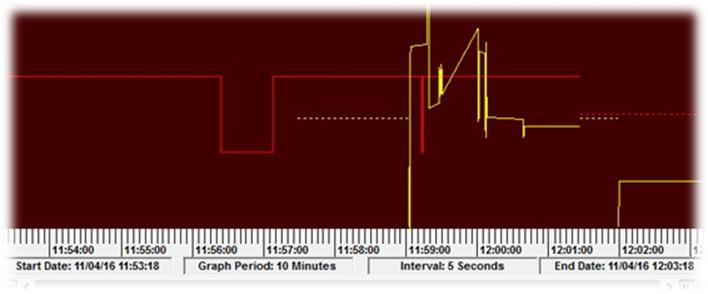
And now in runtime you can immediately understand the displayed information
Let’s share success.
Thanks to Niko Demirdjian for this Tip of Ze Week!
Posted : 21/11/2016 8:35 am