


more quick actions
minimize quick actions






Topic starter
Hi,
Quick list of some shortcuts using AE (today we are in 11.1).
Applied to all AE:
Space = display properties
Enter = display properties if the item is a leaf, go down in the branch if the item is a branch (as double-click)
Del = remove item
Backspace = go up from one level
Ctrl+C = copy
Ctrl+X = cut
Ctrl+V = paste with a dialog box to modify the proposed new name
Modifier Shift on actions:
Shift+Ctrl+V = paste without dialog box
Shift+Ping (SNMP Client entry) = "ping -t X.X.X.X" rather than "ping X.X.X.X"
In libraries:
Del: delete the file 'mimic, picture...' by moving it to the recycle bin
Shift+Del: delete definitively the file 'mimic, picture...' (no move to the recycle bin)
Nico
Posted : 24/09/2015 6:24 pm

Shift+Ping = "ping -t X.X.X.X" rather than "ping X.X.X.X"
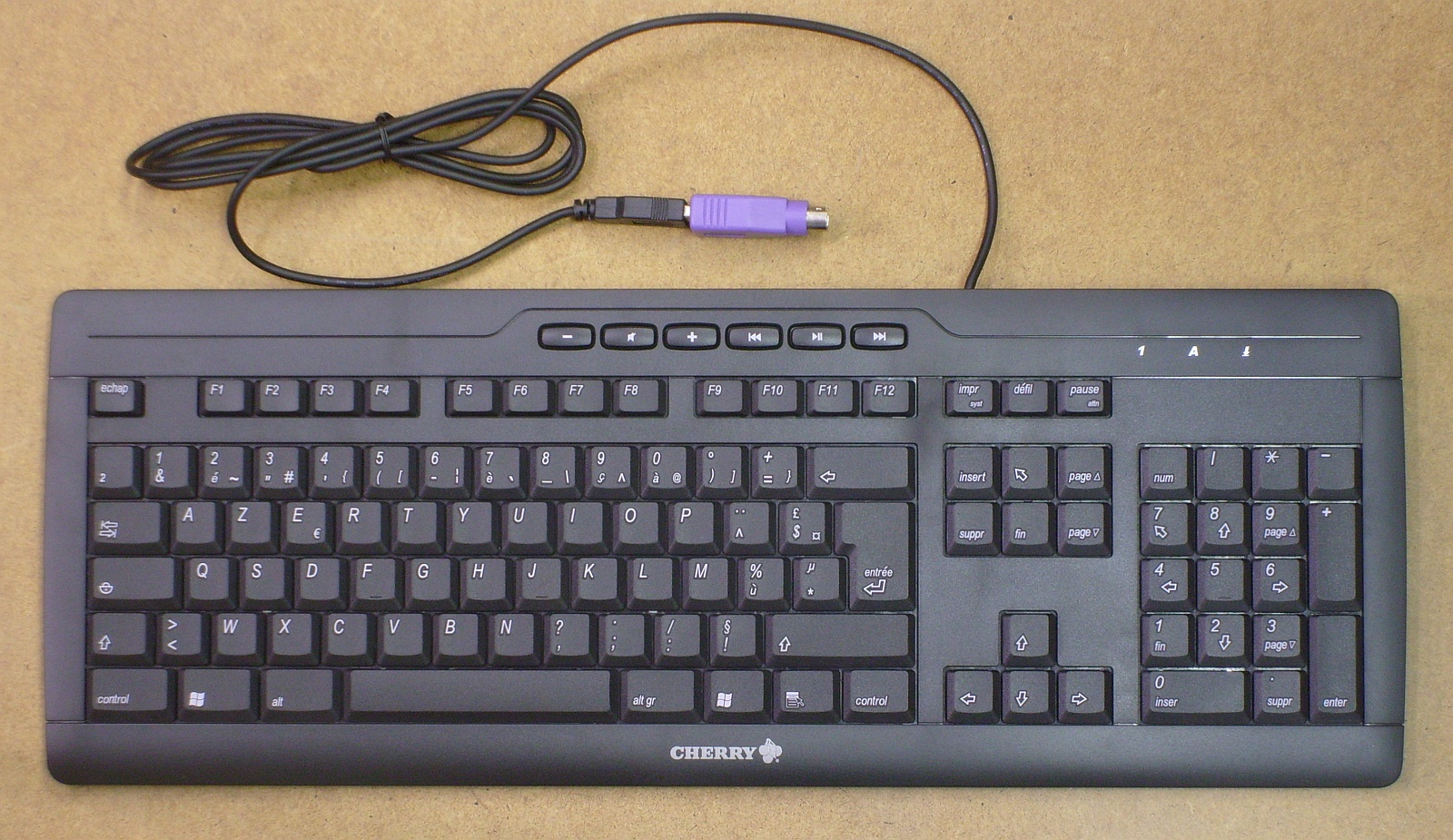
Nico, I don't have a "ping"-key on my keyboard. Where can I find it?
Posted : 25/09/2015 4:46 pm
Topic starter
hahaha
it's not a ping key but the ping entry for snmp.
OK, I am going to update the original post 🙂
Nico
Posted : 25/09/2015 5:05 pm

Actually the ping entry is available for all the "new" driver such as 61850, BACnet, 104.
And for all if you press shift and select ping then it will ping until you close the dialog box.
Posted : 30/09/2015 10:38 pm