


more quick actions
minimize quick actions






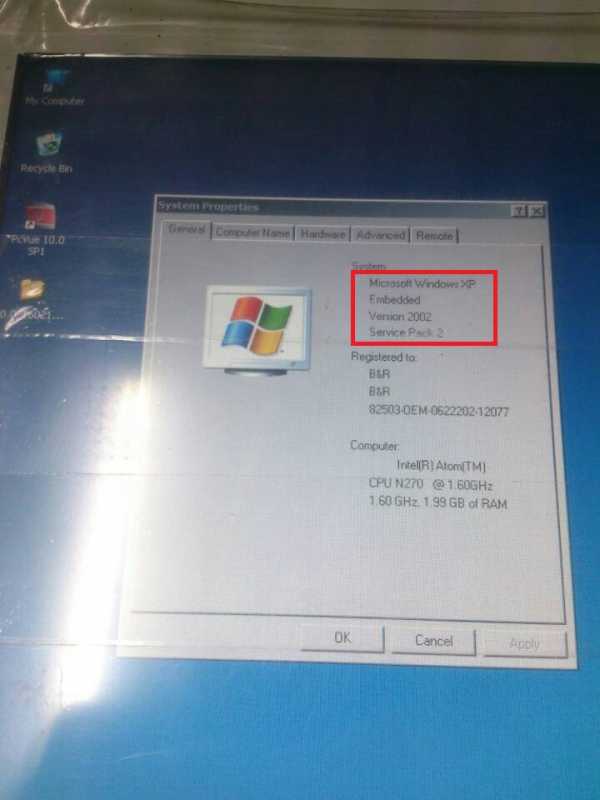
I got a call from a customer, they installed PcVue 10.0 SP1 on Windows Enbeded XP SP2, English, but PcVue failed to find the dongle during the start-up.
1. OS:
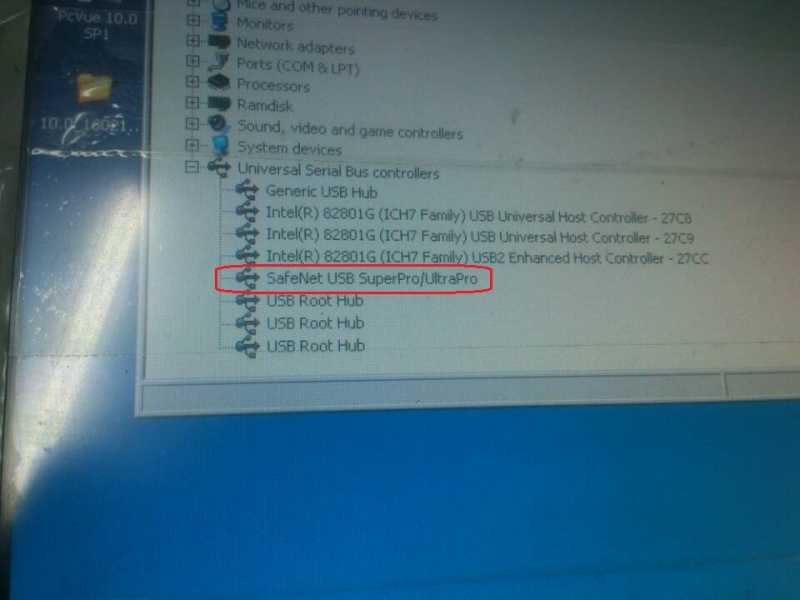
2.Device manager
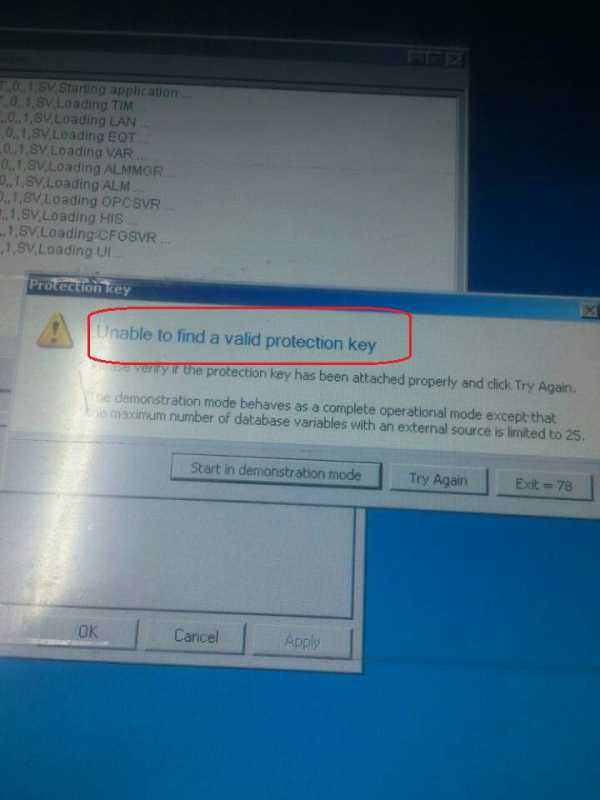
3. Starts PcVue
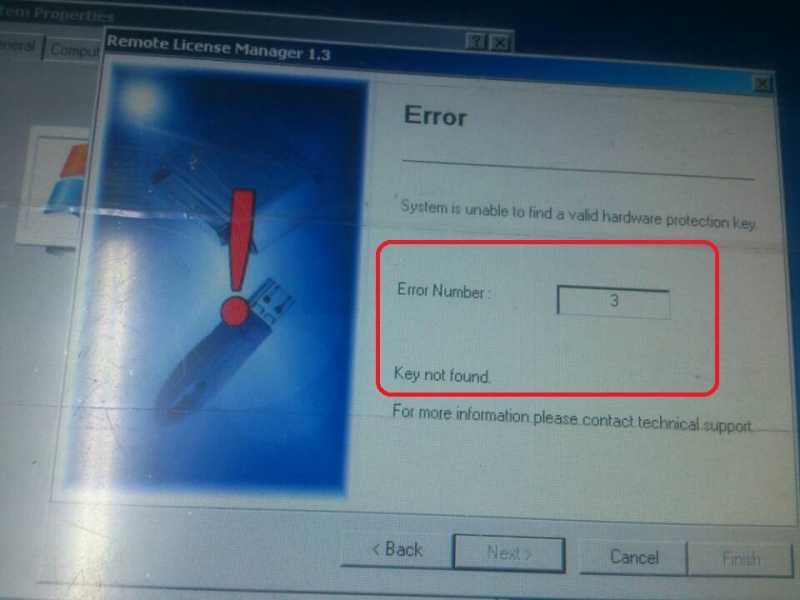
4. When use the RLM, it has error code 3:
5. We followed the KB: https://support.pcvuescada.com/index.php?option=com_k2&view=item&id=215:sentinel-superpro-key-with-windows-xp&Itemid=220, but, we did see the different Sentinel property dialog:
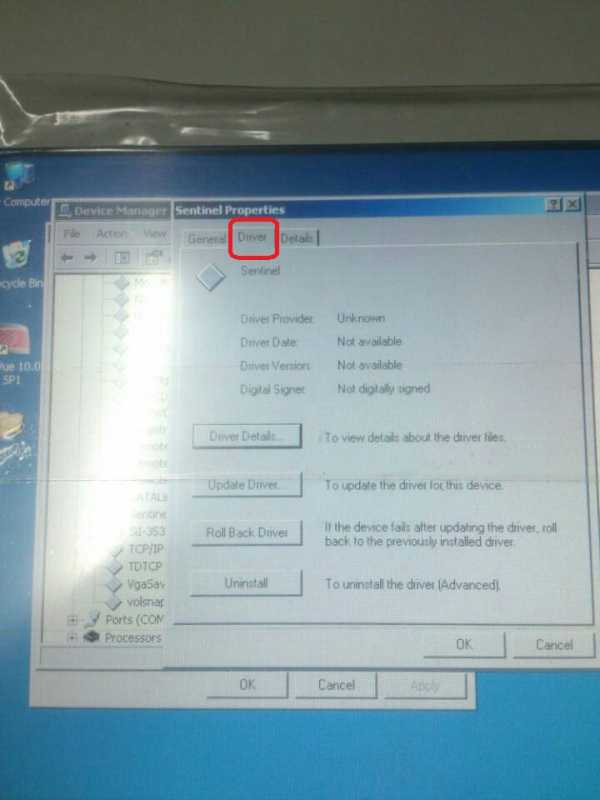
P.S.: When tried the temporary dongle with a laptop or PC, it works fine.
Do you know why?
Posted : 10/04/2014 5:22 pm

Did you try to uninstall all sentinel drivers, reboot, install the lastest one and reboot again?
Maybe NK is aware about this kind of issue with embedded XP.
Posted : 10/04/2014 6:07 pm

Ask your customer to remove the dongle and un-install the Sentinel Protection Installer 7.5.0.
Then restart the machine.
And install back manually the Sentinel Protection Installer 7.5.0
Note: If it is a 32 Bit OS, please use the Sentinel Drivers 7.5.0 (x86)
Posted : 11/04/2014 12:28 pm
Thanks Gentlemen!
Latest info.: We tried with the latest version of the Sentinel driver(7.6.0), and it works after we rebooted the OS more than twice(un-install, Reboot,Install). We dont know why it did not work if we reboot the OS less than twice. 🙁
Posted : 14/04/2014 6:48 am

Hello,
From my point of view, when updating manually Sentinel drivers, I always advice to unistall, reboot. Then Install and finally reboot once more.
Regards
Edouard
Posted : 14/04/2014 12:37 pm