


more quick actions
minimize quick actions






Topic starter
Hello Microsoft experts,
As you know, when we use teamviewer to control remote PC, you can have scaling resolution of the target PC.
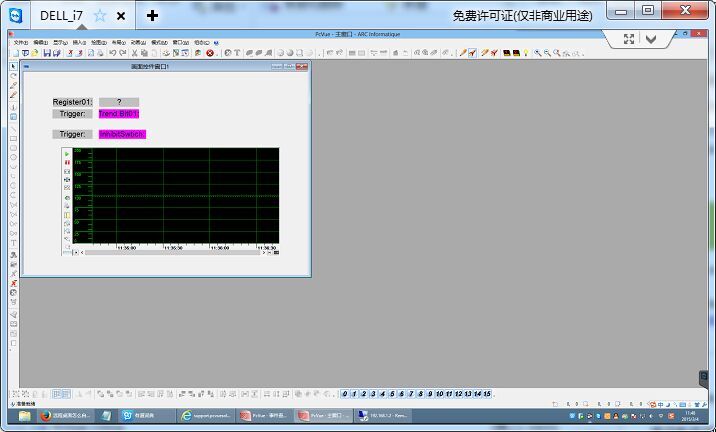
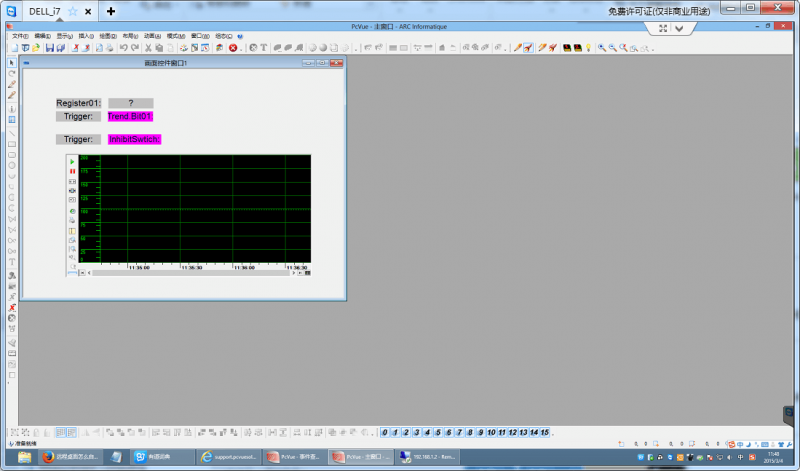
Does RDC(Remote desktop client) have same ability to do scaling target PC's resolution? If yes, how to do it, thanks.
One customer are going to use RDS of PcVue,they want RDC used at different laptop and desktop.
Mark
Posted : 04/03/2015 9:57 am

WHen you use remote desktop connection you have button show options then there is a tab display.
in this tab you can manage the size of the RDC.
Posted : 04/03/2015 2:08 pm
Topic starter
Thank you Romain.
Is it the tab you mentioned?
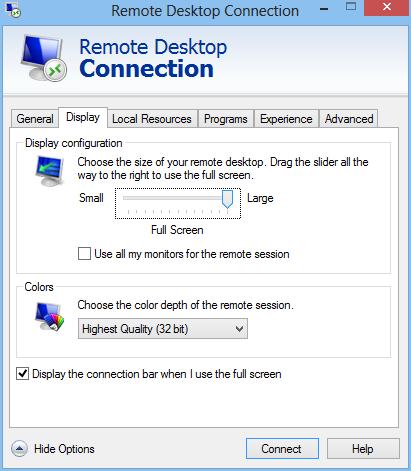
I tried many times, RDC cannot make scaling resolution of the host PC like teamviewer.
Mark
Posted : 05/03/2015 10:35 am
Yes I talk about this page.
You are right, there is no option "fit to the page" you can only manage specific resolution.
Posted : 05/03/2015 3:28 pm

Hello Mark,
Using the Remote Desktop Client of Windows 8.1 is it possible, there's an option "Smart Auto-Resize":
Without:

With ("Ridimensionamento intelligente" in italiano means "Smart Resize")

This is the version of my Remote Desktop Client:

I probably have seen the same behaviour on Windows 7, maybe upgrading the Remote Destkop Client with a newer version...
Hope it helps,
Posted : 05/03/2015 4:41 pm

Thanks Filippo, that's a good trick!
The problem is that I am not sure we can ask the customer to always set this option (or maybe the options stays...).
Some customers will accept that and others not i guess.
We had typically the same issue in our Prime Minister office application we presented on the last ITM.
Customer were also using tablets (Apple one) to connect by RDC and I didn't see this option. Therefore we had to make specific project workspace and mimic size to adapt 🙁
A lot of fun ....
Posted : 05/03/2015 4:56 pm
Ciao Nicolas!
Yes... I can imagine...
This is the reason why "I fall in love" with the HTML5 solution.
Using HTML5/RDP you can "impose" many connection properties, including the resolution from the gateway and then it's a browser "job" to fit it according with the real window size of the browser.
Of course then you have the problem to hide Windows start bar and browser bars...
🙁 Nothing is simple in this job... but when it works is fun! :woohoo:
Posted : 05/03/2015 5:14 pm

Before Windows 8.1, you can change the resolution into the .rdp file :
desktopwidth:i:
desktopheight:i:
where is the resolution.
It is usefull when you want to configure a larger resolution than your screen.
Posted : 06/03/2015 9:55 pm
Thanks Anthony,
I am not sure it's solving the issue as I think there is no .rdp file on tablets....
Posted : 11/03/2015 2:12 pm