


more quick actions
minimize quick actions






Topic starter
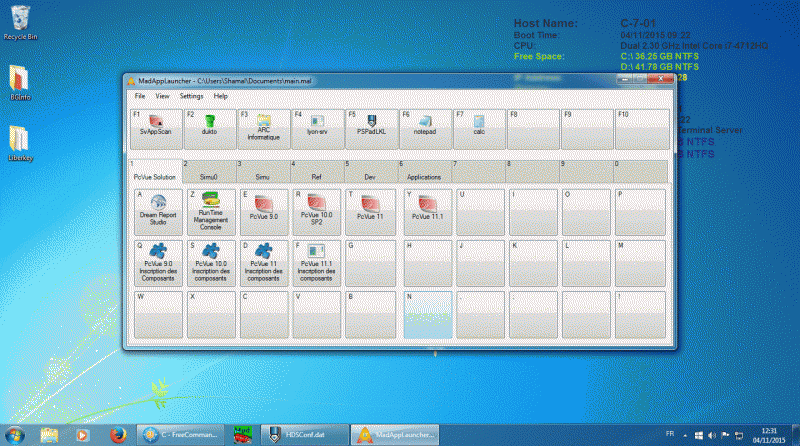
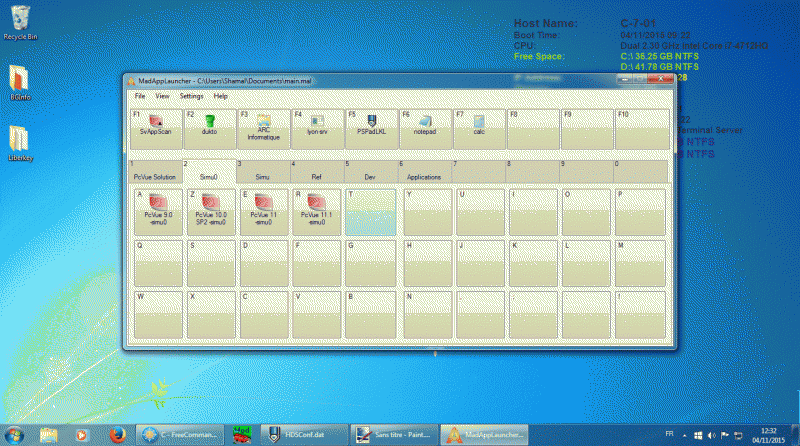
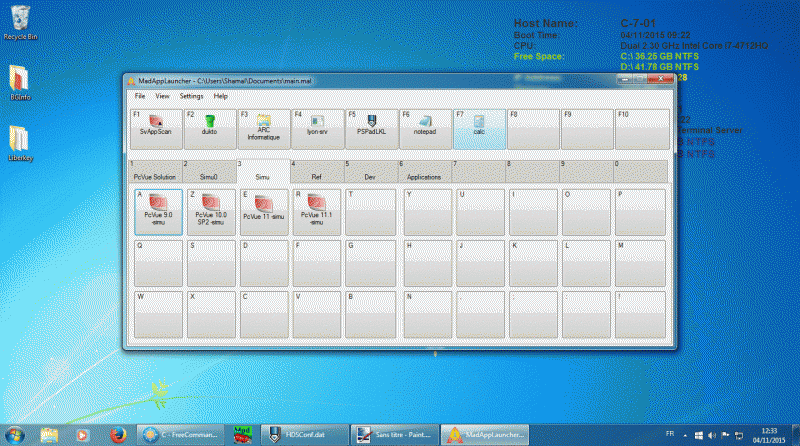
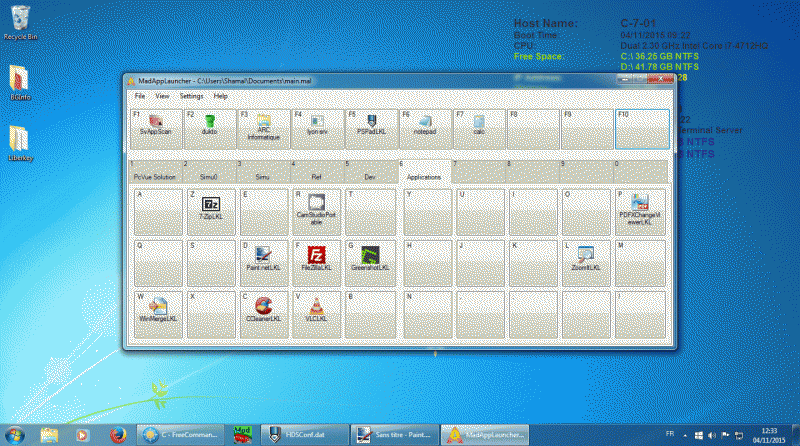
I found something completely free in order to start all my programs easily and from anywhere. I have tested it on Windows 7 and 10. MaxLauncher You can configure a shortcut to open it (I choose Ctrl+²). Then it appear in the middle of the screen where the mouse is (by default but it configurable). And you can start your configured programs by using the mouse or the keyboard (special for Edouard). It is so simple and efficient, I am sure you will love it. You can start applications with function key (F1 to F10) and select a set of 30 applications with the keys 1 to 0. 310 applications maximum... Not only application can be started from this tool. It is also possible to organize your shortcuts to important folders. Here is the configuration I am using in my day to day virtual machine:
This topic was modified 2 years ago by LM
Posted : 04/11/2015 6:47 pm