


more quick actions
minimize quick actions






Bonjour a vous,
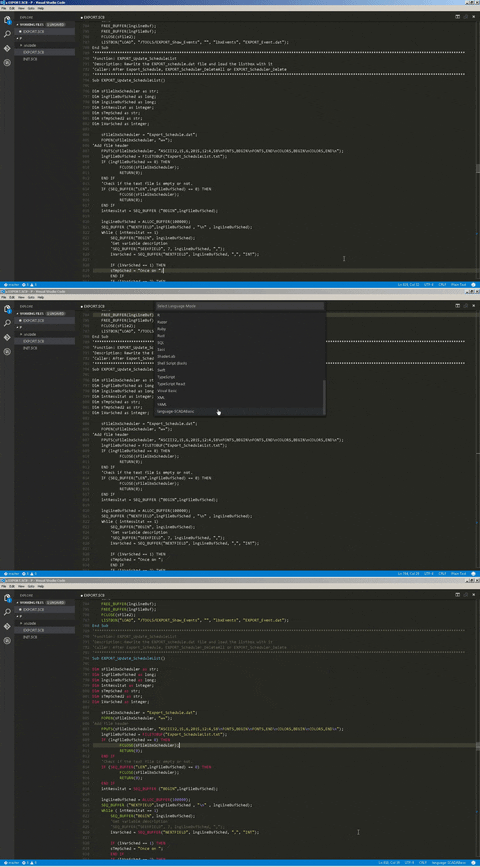
In addition to the Atom editor's SCADABasic language colorization, Microsoft Visual Studio Code has recently released v0.9.1 with customization feature. (Adding Language Colorization & Bracket Matching) then scraped the file from the Atom editor and made a few modification to be embedded into the new MS VS Code. Pssttt... this editor has Git function built-in, really useful for version control. :cheer:
Update 26/10/2015
Until Microsoft implement this for their Intellisense, we will wait, hopefully soon.
Setting up Microsoft Visual by copy the uncompressed folder to the customizations folder C:Users.vscodeextensions and restart VS Code.
Posted : 19/10/2015 8:45 am