


more quick actions
minimize quick actions






Topic starter
There is something that I do not seem to understand about using the OPC server's timestamp: I would expect that after setting the OPC variable at time T and restarting PcVue the timestamp of the variable is still equal to T.
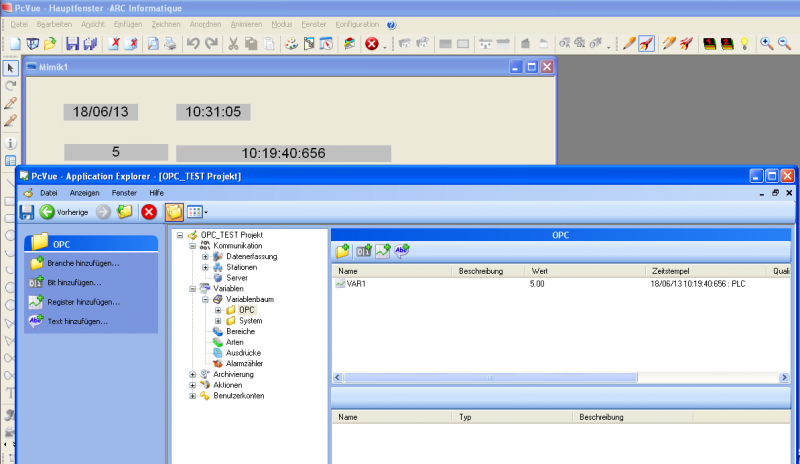
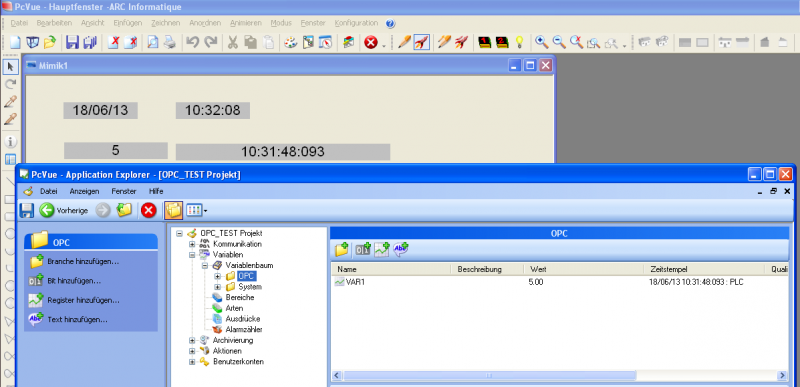
Instead, the variable timestamp after restarting PcVue is the time of activating the OPC communication.
Interestingly, the OPC foundation sample client shows the same behavior: It displays the timestamp of the establishment of the connection.
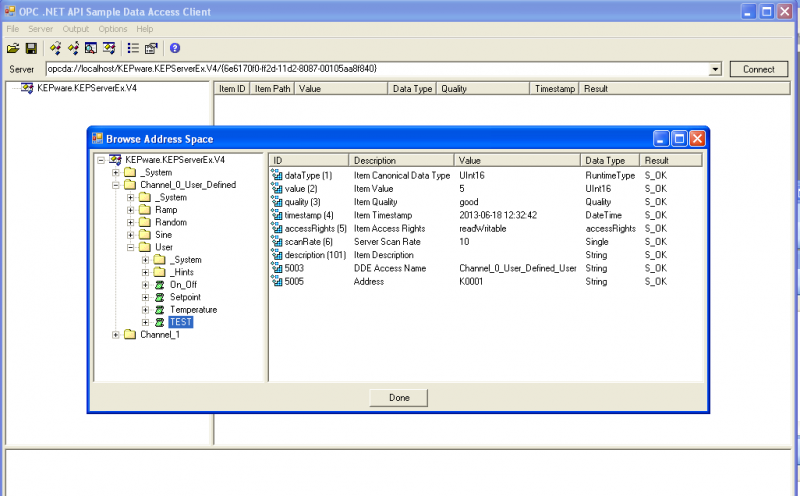
Can you explain this behavior? Is it the default OPC-behavior?
Posted : 18/06/2013 1:49 pm

I think we take what the server is given.
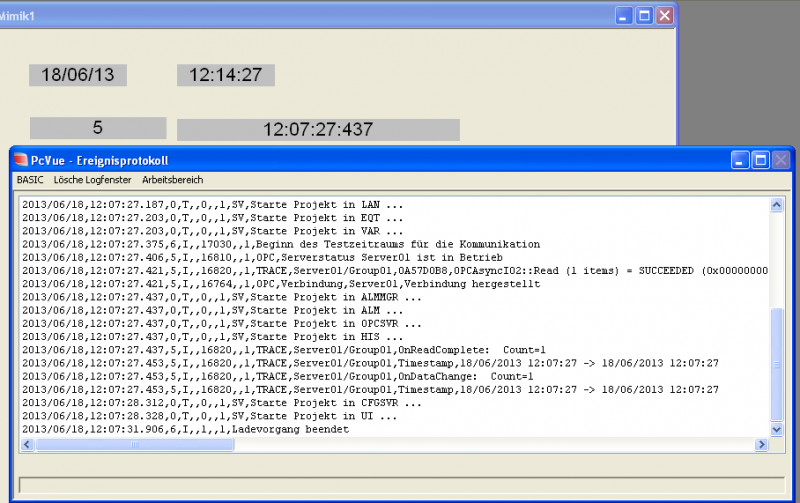
I advise you set the OPC traces and check the TS we received from the server.
Posted : 18/06/2013 1:56 pm

Don't you think that
if the OPC server has no more client, it does not refresh its items any more.
Then, if you close PcVue, the server stops scanning, and when PcVue restarts, the server force a new read of frame and displays a new timestamp...
?
Try to stop PcVue when the 2nd OPC client is still running, and see.
😉
Posted : 18/06/2013 2:48 pm
Topic starter
Thanks, Raphael. Good idea. But unfortunately, it does not make a difference. I let the OPC foundation test client refresh a subscription while I restarted PcVue. But PcVue still displays an updated timestamp.
Nico: The timestamp displayed is the one delivered by the server.
Posted : 18/06/2013 3:18 pm
Then it depends on the OPC server implementation.
I would suggest:
1. Try using another OPC Server (PcVue?)
2. Ask Jacques about the OPC standard.
Posted : 19/06/2013 7:06 am