


more quick actions
minimize quick actions






Hi all,
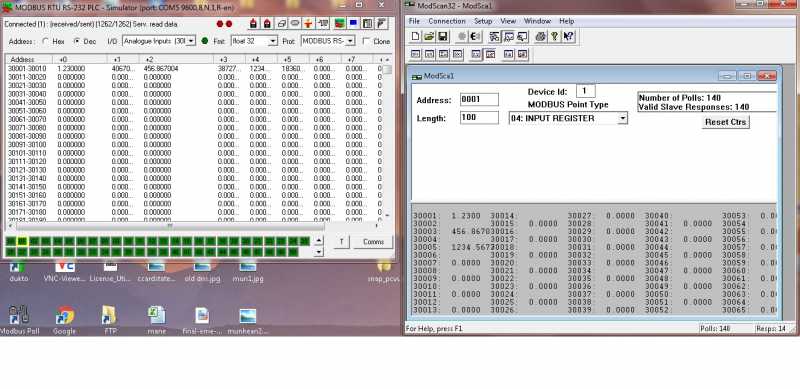
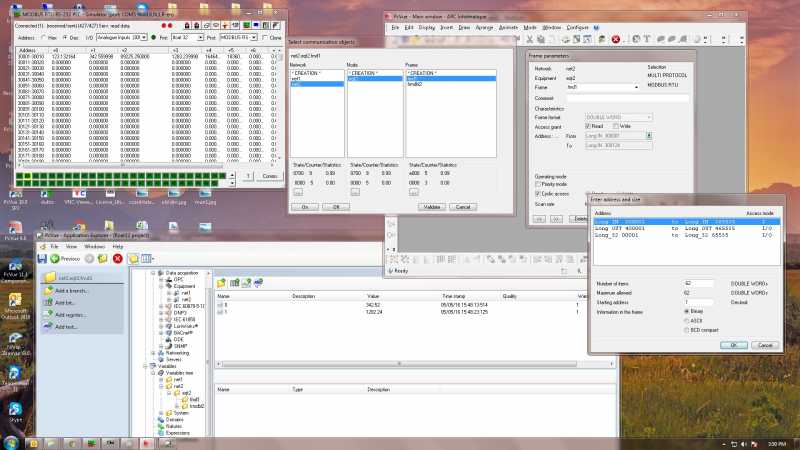
I've a question from one customer who needs to configure the modbus device with 32-bit swapped floats variable. I've read somewhere in the forum that we need to use either Word or Double Word in the frame configuration. If the protocol is using modbus TCP then I can successfully mapped and get the exact values in PcVue from the slave.
But the client is using modbus RTU and I've tried many configurations but no success. I cannot get the exact values simulated in slave inside PcVue. If using another master simulator then it is working fine. any ideas. Pls advise? TQ
rgds
Posted : 05/05/2016 1:04 pm

Hi guy,
When you create a frame, you can set the frame format 'DOUBLE WORD', and in address dialog you try both 'Long OUT MLsb' and 'Long OUT LMsb', there must be one address type is OK.
Good luck.
Mark
Posted : 06/05/2016 2:44 pm

Hi,
The subject of this topic 32 bits floats.
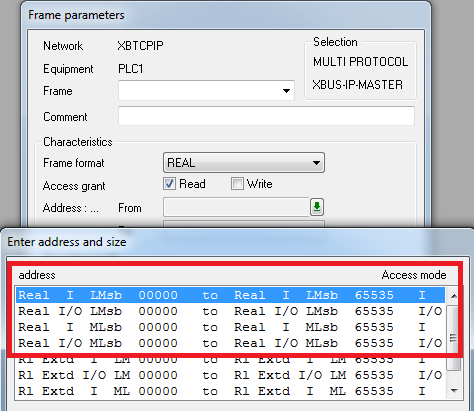
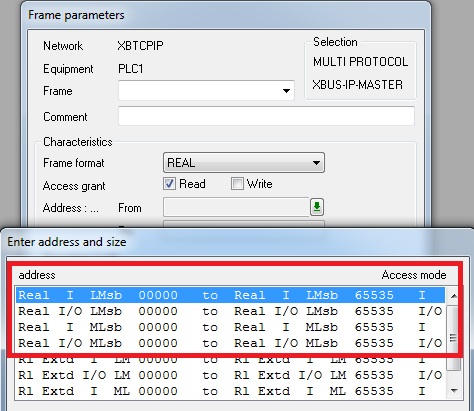
In PcVue, the frame format should be "Real", then you are able to select LMsb or MLsb.
BR
Edouard
Posted : 09/05/2016 1:03 pm
Hi Mark,
I've already tried your suggestion but the result is the same. The values that I get will always show incorrect decimal values. eg. if in slave = 123.456, in pcvue the value will be like 123.789. The values in decimal are incorrect. Any settings that I must do in PcVue?
rgds
Posted : 10/05/2016 9:28 am
Hi Edouard,
I'm using modbus RTU (serial). If I select Real, there is no option to select LMsb or MLsb. BTW, I've already tried using modbus tCP for float32 datatype and it works, only for modbus RTU, the problem with decimal point values showing varied/incorrect values. Thanks
rgds
Posted : 10/05/2016 9:32 am
Hi guys,
Finally Manu helped me to solve this issue. See quote below. Thanks Mark and Edouard for helping.
rgds
Hi Irwan,
You should selector the equipment type FREE_DEC (not Modicon) and in the frame type REAL if you read IEEE Float. After select Real IN MLsb or Real IN LMsb for the data type
And do your test one of them should work OK.rgds
Posted : 10/05/2016 11:54 am

Just to be clear the problem was on the type of equipment selected.
Irwan error was that he had selected Modicom and not FREE_DEC as equipment type.
In general it is always better to select the generic equipment type option for any driver if available.
Posted : 10/05/2016 12:17 pm