


more quick actions
minimize quick actions






Topic starter
Estimados Colegas,
You know it happens that workspace size changes in runtime, main reason is when we lose one screen on a multiscreen project. When screen comes back it is quite impossible to restore the workspace size without shutting down and restart PcVue.
In latest versions (11.1 update , 11.2 update) we have a new VBA event that is raised when workspace resolution changes (on the project object)
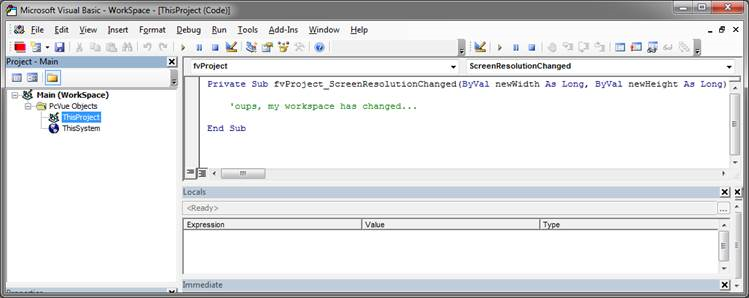
And two new methods have been implemented, RestoreWorkspacePosition (that restore the startup resolution and position), and SetWorkspacePosition allowing full customization.
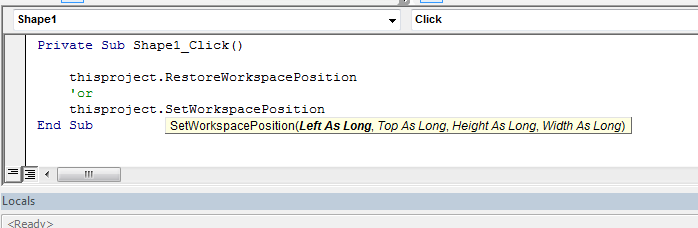
With the combination of the event and the two new methods you should handle now workspace size and position.
Take some time for good workspace resolutions.
From Niko Demirdjian
Posted : 06/10/2016 9:18 am